



CNC Machining Estimating, Calculated From Your Own Shop — Not an Industry Average
Micro Estimate turns a 3D file into a real, machine-specific cycle time and a quote you can edit live.
The Problem

Cycle time estimates come from rules of thumb, not your shop’s own machines.
An industry average doesn’t know what tooling, speeds, or feeds you actually run.

A machine or tooling change means re-quoting from scratch.
Most tools don’t let you edit a workflow after the fact — you start over.

CSome tools don’t calculate cycle time at all.
Volume subtraction and AI-averaged guesses stand in for a real toolpath.
How MicroExpress Estimates CNC Machining Work

Real toolpath, not an estimate.
A shop gets a 3D file (usually STEP) from a customer. Micro3D — the CAD/CAM engine embedded inside Micro Estimate — uses SolidWorks’ Automatic Feature Recognition to read the geometry and identify actual machining features: holes, pockets, fillets. CAMWorks then generates a toolpath using your shop’s own machines, tools, and materials/speeds-and-feeds library, producing a real, shop-specific cycle time per operation.
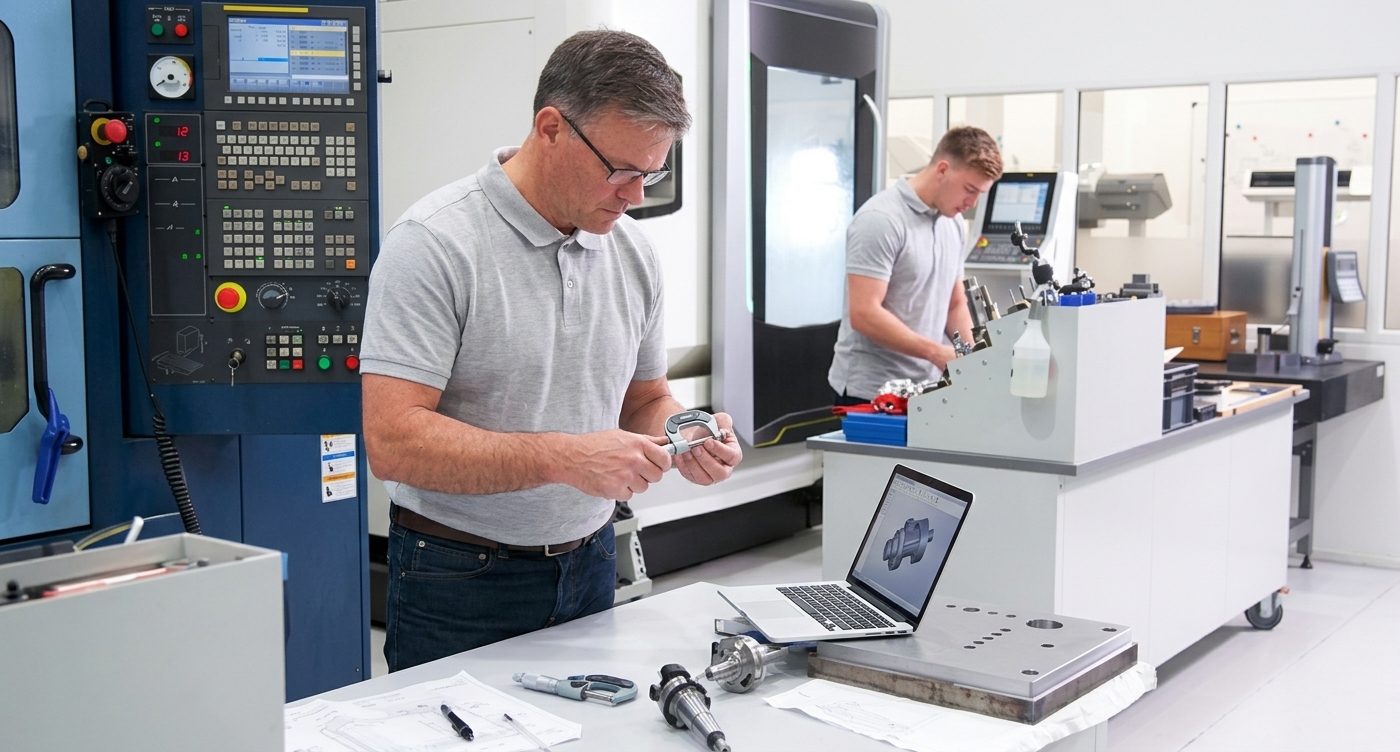
Edit the workflow, and the quote updates live.
Swap a machine, reorder operations — Micro Estimate recalculates the quote live in the Edit Workflow screen, instead of sending the job back to be re-estimated from scratch.
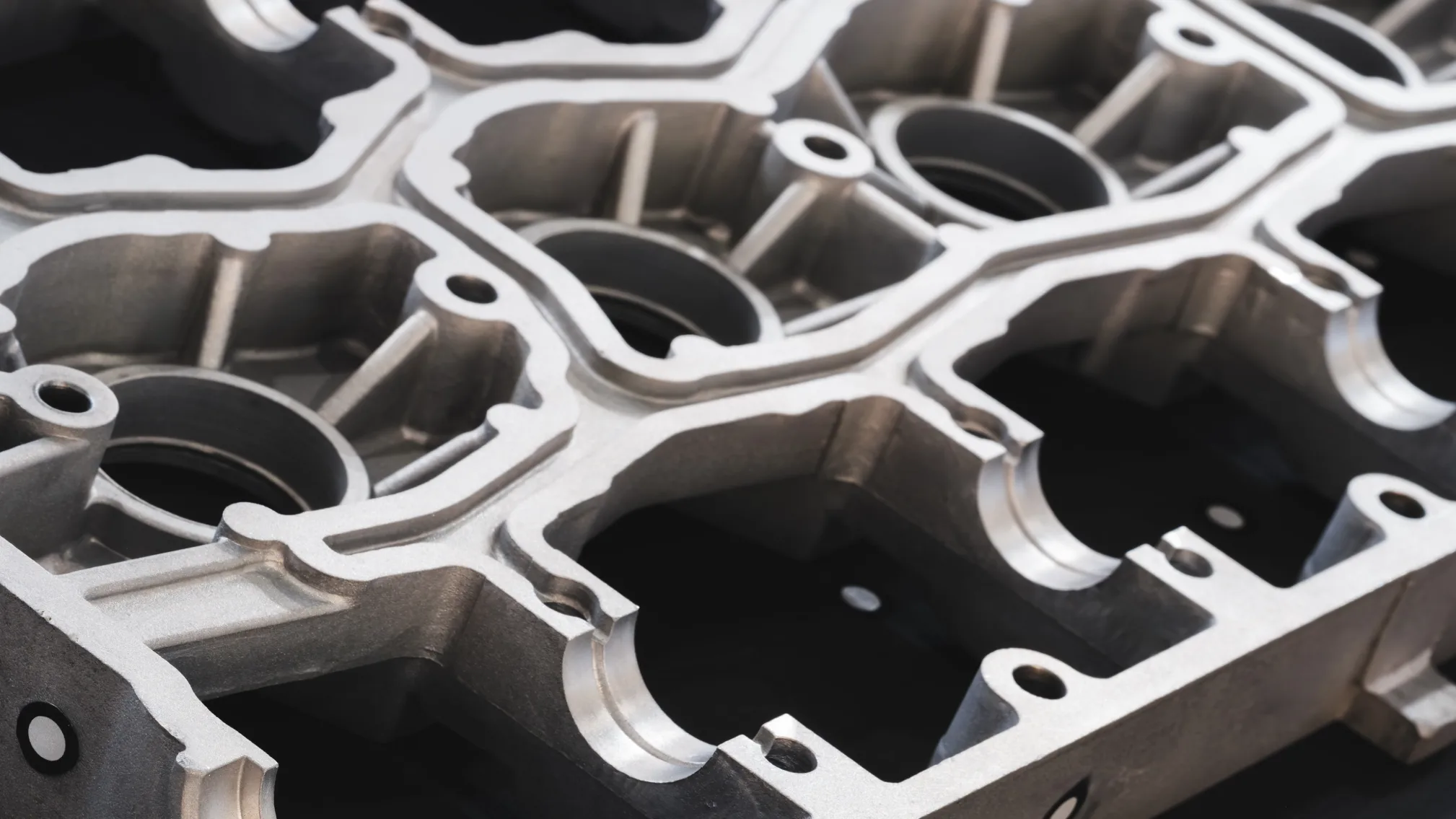
Material cost from live vendor pricing.
Cycle time becomes labor and overhead cost; material is rounded to a real, purchasable stock size with live vendor pricing, not a rough per-pound estimate.

What's Included in MicroExpress's CNC Workflow

Automatic Feature Recognition from your 3D file, via SolidWorks
CAMWorks toolpath generation using your machines, tools, and speeds/feeds
Editable workflow — swap machines, reorder operations, recalculates live
Live material vendor pricing, rounded to real purchasable stock sizes
Cycle time × labor/overhead rate costing